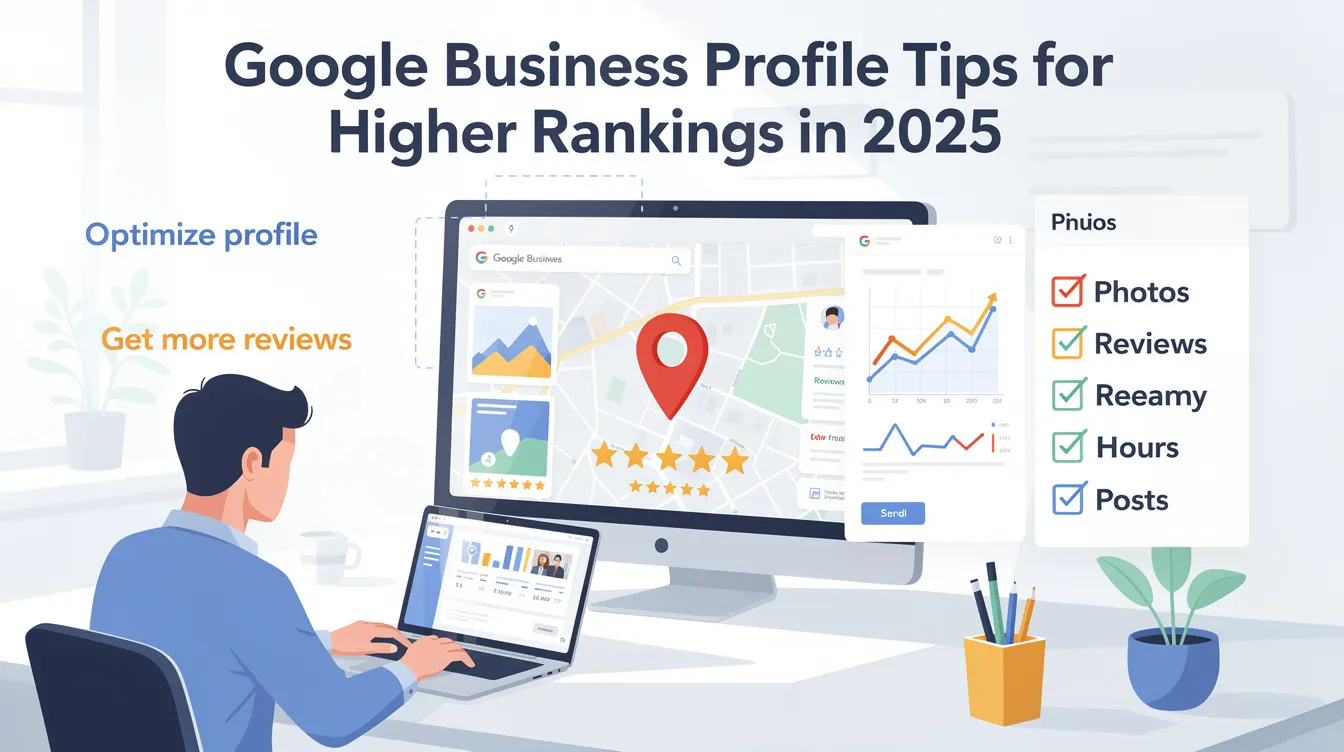

In 2025, your google business profile is the front door to your local business-often before a customer ever visits your website. Google evaluates business profiles based on relevance, distance, and prominence, and those three factors determine whether your business listing appears in the local pack on google maps or gets buried beneath nearby businesses. With 84% of consumers relying on search engines for local purchasing decisions, optimizing a google business profile improves local visibility in ways that directly translate to phone calls, direction requests, and walk-in traffic.
Here's the reality: over 80% of local-intent searches on google search end without a click to a website. These "zero-click searches" mean that the business profile itself must do the heavy lifting-displaying your business hours, customer photos, google reviews, and contact details right inside the search engine results pages. If your profile is incomplete or outdated, potential customers simply scroll past to the next result.
This article walks through concrete, action-oriented google business profile tips that can be implemented within the next 30–60 days. Whether you run a single-location shop or manage multi location businesses, these optimization efforts will help you rank higher, attract more customers, and stay visible in local searches.
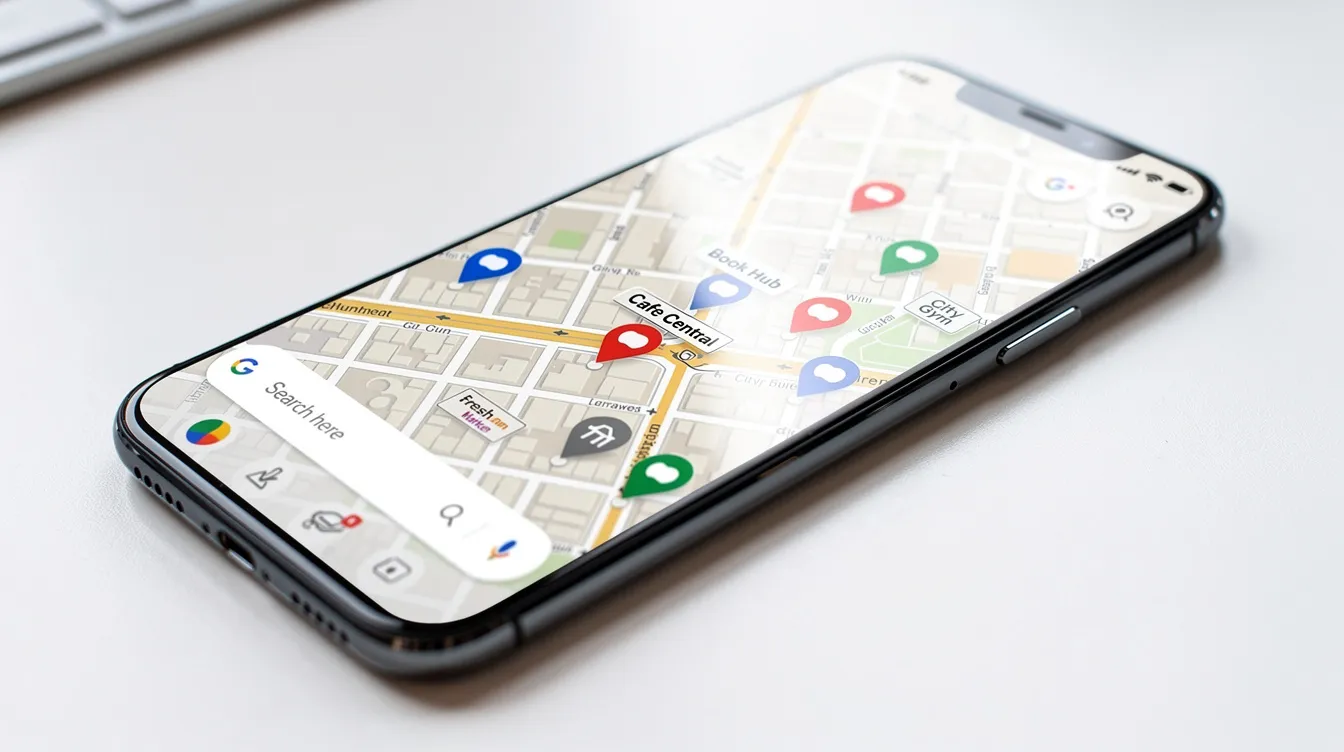
Google favors businesses that provide thorough, verified business information. A complete google business profile can appear in over 1,000 searches monthly, while incomplete profiles get filtered out of local search results entirely. Getting every field right is the foundation that all other optimization efforts build on.
A verified google business profile unlocks all editing features and signals legitimacy to Google's algorithm.
Ensure your business name, business address, and phone number match exactly across your website, Facebook, Yelp, Apple Maps, Bing Places, and niche directories. Even minor formatting differences-"Ste" versus "Suite"-can confuse the algorithm and suppress your google business profile ranking.
Selecting the right primary category is crucial for rankings. Your primary category acts as a filter before other signals like reviews or proximity even come into play. If it's too broad, you risk being ineligible for the specific local searches your potential customers are typing in. Choosing a specific primary category enhances search relevance and can shift local pack visibility almost immediately.
There are over 4,000 predefined business categories available. Pick the most specific option that describes what your business is:
Specific categories improve visibility in relevant searches. Businesses with accurate categories rank higher in local search results.
Google allows up to 10 categories for each business profile (1 primary + up to 9 secondary). Secondary categories expand your eligibility for related queries without diluting the primary focus. For example, a bakery could add "Wedding Cake Shop" and "Coffee Shop" as secondary categories if those services are genuinely offered.
Research the right business categories by looking at top-ranking competitors in your city. Tools that reveal competitor categories can help you reverse-engineer winning combinations.
A word of caution: avoid over-frequent category changes, as Google treats a primary category switch as a major signal that can cause temporary ranking drops. And never use categories as keyword stuffing-they should describe what the business is, not what you wish to rank for.
Your business description and services list are where relevance meets intent. An optimized "From the business" description helps Google understand what your business offers and match it with relevant searches from local customers.
Weave relevant keywords naturally into your description using long-tail, conversational phrasing that mirrors how people actually search. Focus on what makes your business stand out and what you serve locally.
Dentist example: "Downtown Family Dental provides comprehensive dental care in the heart of Portland's Pearl District. From routine cleanings and emergency tooth repair to cosmetic veneers, our team serves families, professionals, and students across Northwest Portland."
Home services example: "GreenLeaf Landscaping offers lawn care, hardscaping, and irrigation system installation for residential properties across the greater Austin area. Whether you need weekly maintenance or a full backyard redesign, we're the team local homeowners trust."
Categories describe what you are; services describe what you do. List every core service with clear names, short benefit-driven descriptions, and starting prices where relevant. This helps your profile surface for discovery searches-queries where people search for a service rather than a specific business name.
Google prioritizes businesses with accurate NAP details for higher rankings. NAP stands for Name, Address, Phone-and when you add your website URL, it becomes NAP+W. This data confirms trust and authority for Google's local algorithm, and businesses with accurate NAP details rank higher in search results.
Even small discrepancies-an old phone number on Yelp, a previous business address still listed on a data aggregator, or "Road" instead of "Rd"-can confuse Google and suppress local rankings. Inaccurate business information can lead to missed opportunities with potential customers who end up calling the wrong number or driving to the wrong address.
Local citations from authoritative directories reinforce your profile's legitimacy. Use local seo tools or manual audits to find and fix NAP inconsistencies and remove duplicate online listings. A focused citation clean-up campaign over 30–60 days can significantly enhance your google business profile ranking.
Google posts function like mini-ads right on your business profile. They appear in google search and google maps results, giving you a direct channel to communicate with local customers before they even visit your website. Google Posts can improve local seo rankings by contributing to engagement signals that the algorithm monitors.
Aim for at least one google business posts update per week. A consistent format works best:
Google Posts can include promotions, events, and updates. The best-performing types include:
Posting regularly signals to Google that your business is active, and businesses that post updates can attract more customers. Regular posts can lead to higher click-through rates, and profiles with active updates are more likely to generate user engagement. Integrate google posts into your broader social media strategy so content can be repurposed across social media platforms efficiently.
Visual content is one of the most underestimated ranking levers. Profiles with over 100 photos receive 2,717% more direction requests compared to the average business. High quality images can increase website clicks by 35%, and profiles with fresh, high quality images attract more clicks and engagement overall.
When you upload high quality photos, follow these standards:
Adding new photos every two weeks can boost engagement by 25%. Uploading fresh visual content regularly boosts engagement and click-through rates, keeping your google listing looking current and trustworthy.
Videos on profiles can lead to 50% more engagement than photos alone. Keep videos under 30–45 seconds, 720p or higher, and focus on:

Treat your photo and video library as a living asset. Set a reminder to upload 3–5 new high quality photos every two weeks to keep the business profile fresh.
Reviews are one of the strongest ranking signals after proximity. 75% of consumers check online reviews when searching for local businesses, and 91% of consumers read online reviews before making a purchase. Generating genuine customer reviews can improve local rankings, and businesses with more positive reviews rank higher on Google.
Create a direct Google review link and incorporate it into:
Ask customers to leave reviews soon after a positive interaction. Give them simple, specific instructions-never offer prohibited incentives like discounts for reviews.
Proactive review generation should focus on consistent and detailed customer feedback. Encourage satisfied customers to mention the specific service and your city or neighborhood in their review.
Responding to reviews can improve local search rankings. Engagement with customer reviews signals activity and trust to Google.
Positive reviews can increase website visits by 10-15%, and fresh, keyword-rich google reviews mentioning services and locations (e.g., "roof repair in Denver") strengthen local search relevance.

The Google Q&A section is a public mini-FAQ that appears directly on your google listing. It's a powerful-and often neglected-way to control common customer queries and improve conversions.
Pre-filling the Q&A section with common questions improves user experience. Don't wait for strangers to ask (and answer) questions about your business. Post the top 5–10 questions yourself:
Answer each question clearly and include relevant details about what the business offers.
Check Q&A weekly for inaccurate third-party answers and correct them promptly. Misinformation here can cost you local visits and damage trust.
Where available, enable messaging for direct texts from search results. Fast response times improve customer engagement and signal to Google that your business is responsive. Use auto-replies and assign staff responsibility so inbound messages never go unanswered during business hours.
Google interprets location-specific keywords to match your business profile with local search queries. Using the right local keywords across your profile and linked website can make all the difference between showing up in the local pack or being invisible.
Use Google Keyword Planner, Google autocomplete, and "searches related to…" at the bottom of SERPs to discover how local customers phrase their searches. Look for:
Examples across industries:
Incorporate relevant keywords naturally into:
Use relevant keywords naturally-never stuff them. Adding keywords to your business name field violates Google's guidelines and can trigger suspension.
Detailed product, menu, attribute, and service data help your profile appear for very specific local queries that broader competitors miss. These fields capture discovery searches from users businesses might not otherwise reach.
Restaurant:
Salon:
Medical practice:
Choose relevant attributes such as "women-owned," "wheelchair accessible," "free Wi-Fi," or "online appointments" to qualify for attribute-based searches. These can significantly enhance your visibility for users filtering results.
Revisit products, services, and attributes at least quarterly to add new offers and remove outdated ones. A stale product list signals neglect.
Mobile and voice search usage for local queries continues to climb. Searches like "best taco place near me" or "urgent care open now" are increasingly spoken into Siri, Google Assistant, or Android Auto-and your profile needs to be tuned to answer them.
Use natural, conversational phrases in descriptions, Q&A, and posts that mirror how people speak:
Maintaining updated business hours is essential for local visibility. Accurate regular hours and special hours (holidays, emergencies) let Google confidently surface your business when someone asks "who's open now?"
Align your google business profile with a fast, mobile-friendly website or location page. This strengthens overall local seo signals, drives organic traffic, and ensures potential customers can act on what they find in search results.
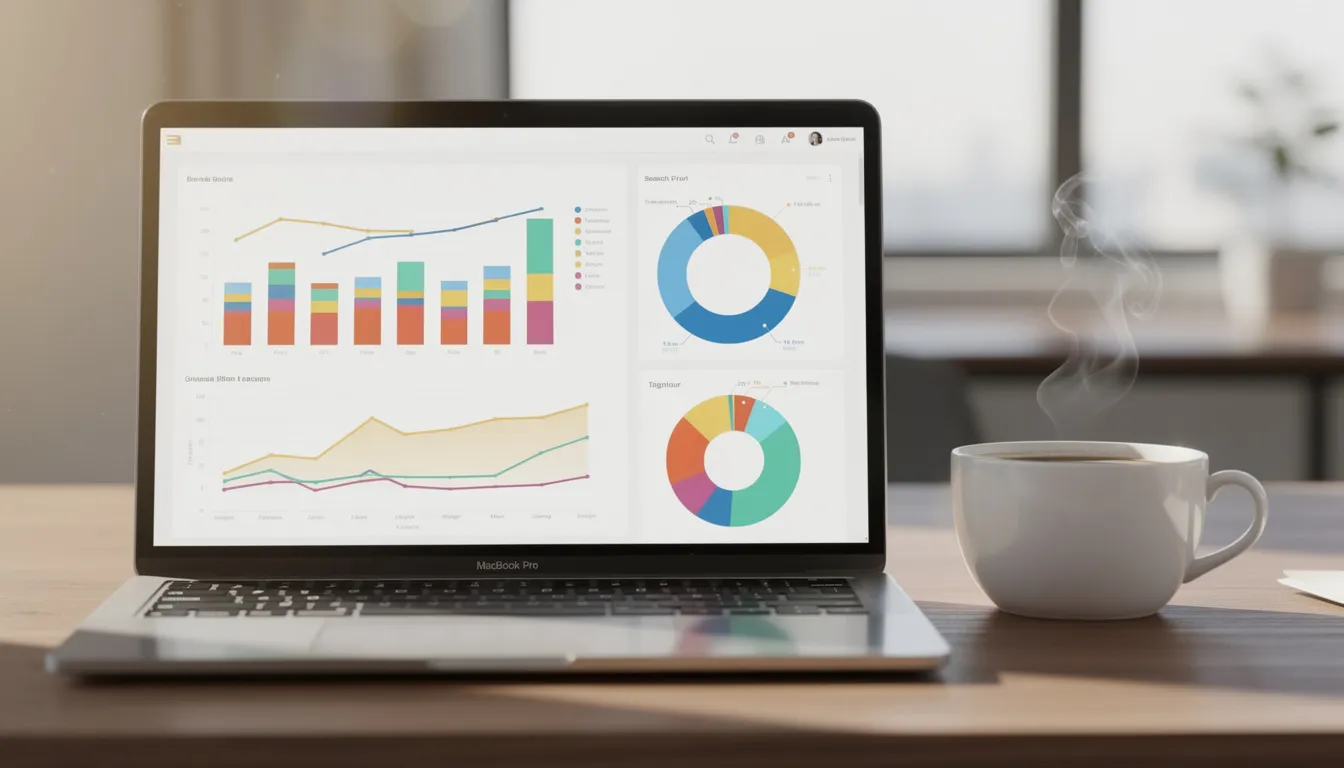
Data-driven adjustments are what separate active profiles that keep climbing from profiles that plateau. Google Business Profile Insights (now the "Performance" view inside Google Search and Maps) show you exactly how local customers find and interact with your listing.
Use local seo tools with geo-grid maps to see how your profile ranks at different points across the city. Local rank tracking helps you understand where your business rank is strongest and where it drops off.
Add UTM parameters to your website link so you can track which actions from the profile turn into leads or sales in analytics. Create a simple monthly spreadsheet for tracking progress-this connects your consistent optimization efforts with measurable changes in search rankings.
Many local businesses unintentionally sabotage their own online visibility by breaking guidelines or letting their profile go stale. Here are the most damaging mistakes and their quick fixes:
Guideline violations can lead to suspension or removal from google maps, and reinstatement is notoriously difficult. Treat compliance as non-negotiable.
Google business profile optimization is not a one-time project-it's a continuous part of local seo and digital marketing. Updating your google business profile regularly can improve local search rankings, and small, consistent updates add up to lasting gains.
Assign a specific team member or agency to own the profile so tasks don't fall through the cracks. Create reusable templates for posts, review replies, and Q&A answers to save time while maintaining quality.
Small, regular updates can steadily push a business into and keep it inside the local pack over time. Consistency beats intensity every time.
Minor improvements-like more calls, extra views, and increased local visits-can appear within 2–4 weeks. However, competitive local pack gains in crowded markets often take 2–3 months of consistent work. The key is sustained activity: ongoing posts, review generation, and photo uploads compound over time to help your business stand out among nearby businesses.
Yes. Google allows hidden addresses for service-area businesses, but you must still verify a real physical location and define accurate service areas. Service-area businesses can absolutely appear in more local searches and attract more local customers-just make sure your business details and service areas are precise.
Each physical location should have its own verified google business profile with unique business categories (if services differ by location) and a dedicated local landing page. This is one of the most effective strategies for multi location businesses to maximize online visibility in each city or neighborhood and reach more local customers.
Adding keywords to the business name violates Google's guidelines unless they are part of the legal brand name. This tactic can lead to suspensions or penalties that wipe your profile from google maps entirely. Use your real business name and focus on earning visibility through the legitimate ranking levers covered throughout this guide.
While a business can appear in local search results with only a google business profile, linking to a strong, locally optimized website or local landing pages significantly boosts trust, relevance, and long-term local search rankings. Your website provides additional context to search engines and gives potential customers a place to convert-whether that's booking an appointment, requesting a quote, or browsing your full service list.